




Pool care can feel like a lot to track. Right at the center of it sits the multiport valve on your filter, the part that takes your water from murky to sparkling. It's easy to ignore, but it handles several jobs that keep your pool clean.
Maybe you've thrown a summer party only to find your pool looking more like a muddy pond than a clear lagoon. That's when the multiport valve earns its keep. It can backwash, rinse, recirculate, and more, which makes it the quiet workhorse of pool care. Whether you're gearing up for swim season or shutting down for winter, knowing how to work this valve saves you time and headaches.
This guide walks through what each valve setting does and how those functions keep your pool running well all year.
Your Action Plan
- Learn what each valve setting does before you touch the handle.
- Always switch off the pump before turning the valve.
- Backwash when the pressure gauge reads about 10 psi above normal.
- Follow every backwash with a quick rinse.
- Use Waste while vacuuming heavy debris, and top off the water level.
- Switch to Winterize to protect your gear when you close the pool.
Operate the Multiport Valve
Get to know the handle
Meeting the multiport valve for the first time can feel like reading a language you don't speak. Once you get the hang of it, you'll see how central it is to a clean pool. The handle sits in a ring of settings and lets you steer water through your filtration system so it does exactly what you need.
Always kill the pump first
Before you touch the valve, switch off your pool pump. Turning it with the pump running can wreck the rubber diverter seal inside. That small habit saves you an expensive repair later.
Never turn the multiport valve while the pump is running, or you risk ruining the seal inside and paying for a repair you could have avoided.
What each setting does
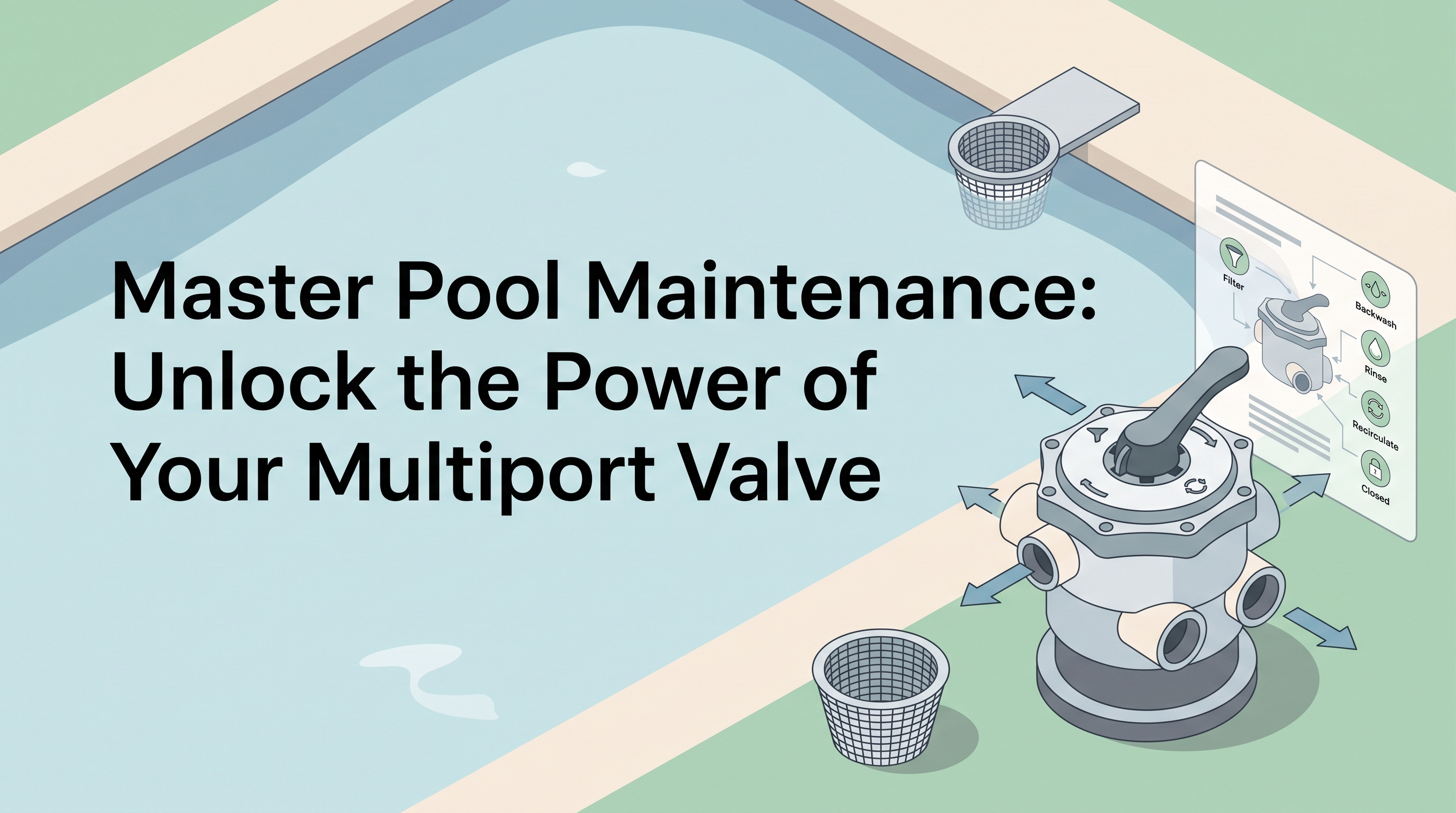
On "Filter," your system does its main job, clearing debris and contaminants out of the water. Over time the filter gets dirty, and that's where "Backwash" comes in. It sends water backward through the filter, pushing the trapped gunk out the waste port and cleaning the filter media (the sand or grids inside the tank). After a backwash, switch to "Rinse" to clear out stray particles before you go back to "Filter."
If it's vacuuming day, reach for "Waste." It skips the filter media and sends debris straight out of the system. Just watch the water level, since it drops as you go. "Recirculate" is what you want when you need to spread chemicals evenly without filtering them out, like when you're using a flocculant to clear cloudy water.
Closing the pool for the season? The "Winter" setting lifts the diverter so ice won't crack it. And "Closed," which you'll rarely touch, stops water flow completely, handy for certain repairs.
Understand Multiport Valve Functions
Picture one handle that sends water down different paths, each doing a different job with a quick turn of the wrist. That's the multiport valve, a real multitasker.
"Filter" is your everyday workhorse, catching debris so the water stays clear. When the pressure gauge says it's time to clean the filter, "Backwash" flushes out the built-up dirt. Right after that, "Rinse" keeps stray debris from slipping back into the pool. When you're vacuuming heavier dirt, "Waste" skips the filter media and sends the water straight out.
Now and then you'll want the water moving without filtering it, maybe when adding a clarifier. That's where "Recirculate" comes in, keeping the chemical working without the filter getting in the way. "Closed" rarely gets used, but it stops water flow during certain repairs. Once you know what each does, a valve that looked intimidating turns into a tool you can use with confidence.
Perform Backwashing and Rinsing
Sooner or later, every pool owner has to backwash and rinse the filter. These two steps keep your water clean, so let's look at how to do them right.
Backwashing, step by step
Backwashing is a bit like hitting reset on your filter. When the pressure gauge climbs about 10 pounds above its normal reading, it's time. Turn off the pool pump, then move the valve handle to "Backwash." This reverses the water flow, pushing trapped debris out to the waste line. Run the pump for about two to three minutes, or until the sight glass shows clear water. It leaves your filter media, sand or D.E., fresh and ready again.
Don't skip the rinse
This follow-up keeps leftover dirt from washing back into the pool. Turn off the pump again and switch the valve to "Rinse." Let it run for one to two minutes to settle the filter media and clear out remaining debris. When it's done, put the valve back to "Filter," and your pool is ready to enjoy.
Do this regularly and you'll get more life out of your filter. After a few times, it becomes second nature.
Optimize Pool Maintenance Settings
The multiport valve is more than an on/off switch. Learning its settings turns pool care into a smooth routine.
Start with Filter and watch the gauge
Filter is your everyday mode, trapping debris and contaminants. The trick is to watch your pressure gauge. When it climbs about 10 psi above normal, it's time to backwash, which cleans the filter media and keeps your filtration from slowing down. Once the backwash is done, a quick switch to Rinse keeps leftover grime from washing back into the pool.
Vacuuming and closing up
For vacuuming, switch to Waste so you can pull up debris without clogging the filter. While you vacuum, hook up a garden hose to keep the water level steady, then balance your chemicals afterward. As winter rolls in, the Winterize setting protects your equipment from cold damage. It's a small precaution that keeps your gear safe, so your pool is ready when spring arrives.
Master Filter-Maintenance Tasks
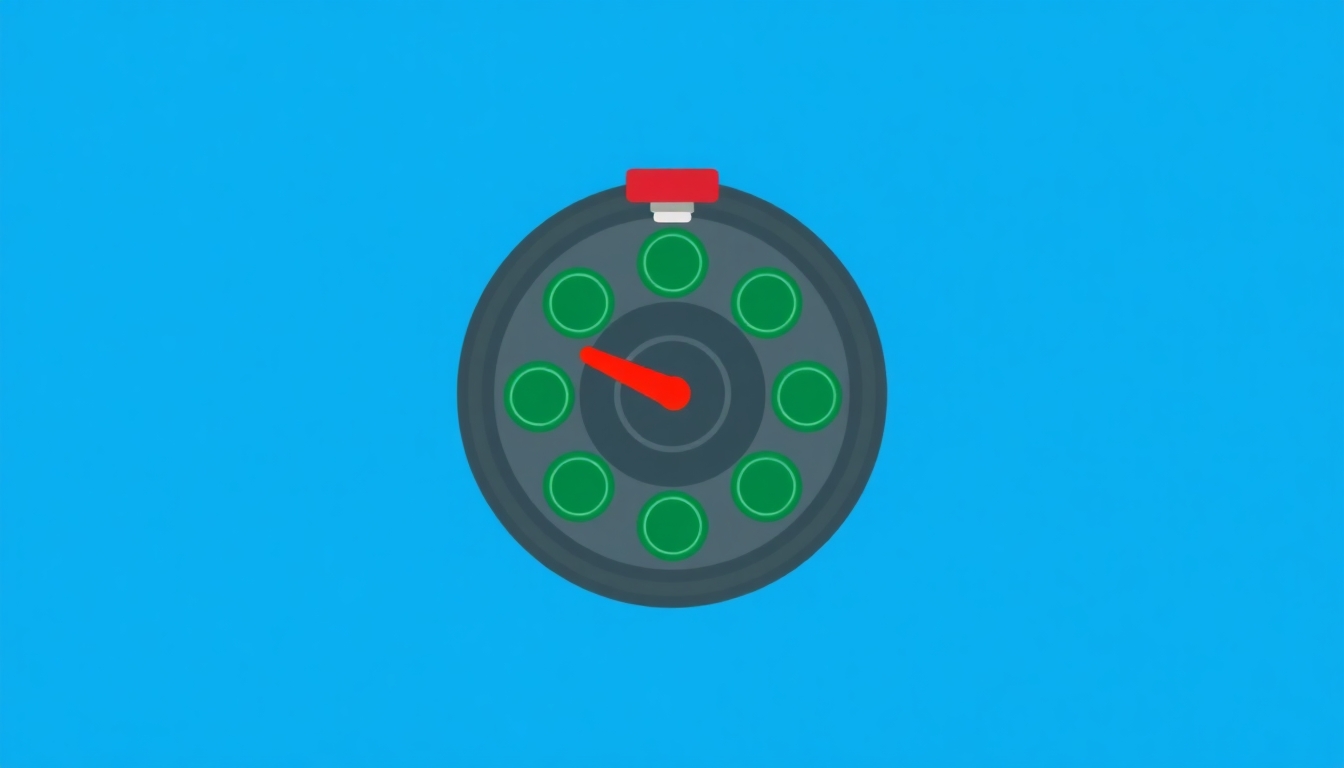
Once you get the hang of the multiport valve, pool care turns into a smooth routine. Start by learning Backwash, a key step for cleaning your filter's media. Whether you run sand or diatomaceous earth (D.E.), backwashing prevents clogs and keeps filtration strong. As a rule, it's time to backwash when the pressure gauge reads ten pounds above normal.
Backwash when the pressure gauge climbs about 10 psi above its normal reading, then always finish with a rinse.
After a backwash, don't skip Rinse. It flushes out leftover debris so it can't drift back into your pool, and this small step saves you real trouble later. Then there's Waste, handy when you're vacuuming. It sends water and debris straight out of the system, keeping dirt away from the filter media.
Sometimes you'll need to move water around without filtering it, maybe when adding a clarifier like flocculant. Recirculate is the one you want, since it lets chemicals spread evenly without straining the filter. If you live somewhere cold, get to know Winterize, which helps protect your system from freezing.
That mysterious handle on your pool filter is a powerful tool. Think of it as a traffic cop for water, sending it down different paths to get different jobs done.
"Filter" is your everyday choice for regular upkeep. But when the filter itself needs cleaning, turn to "Backwash." It reverses the flow, pushes debris out, and leaves the filter media fresh. Follow it with "Rinse" so leftover muck doesn't slip back into the pool.
Sometimes you'll vacuum the pool or move water without filtering it. "Waste" sends water right out of the system and keeps the filter from clogging. And when you need to circulate water without filtering it, maybe while using a clarifier, "Recirculate" lets water skip the filter media.
As you get the pool ready for winter, "Winterize" guards against freeze damage by lifting the diverter so water can expand safely. One rule you should never break: don't change the valve setting while the pump is running.
Backwash the Filter Effectively
Clean, clear water starts with backwashing the filter the right way. Think of it as giving your filter a good shower to wash off the grime it's been catching.
Start by switching off the pool pump. This matters, because turning the valve while the pump runs can cause expensive damage. Once it's off, move the valve handle to 'Backwash.' This reverses the water flow and flushes out the debris caught in the sand or D.E. The water leaving the waste line comes out cloudy at first, then slowly clears. That clearing water tells you the backwash is done.
Next, switch the handle to 'Rinse.' People often skip this, but it clears remaining dirt out of the system so it can't sneak back into your pool. Run the rinse for about a minute, or until the water runs clear, then move the handle back to 'Filter.' Backwash regularly and you'll get more life out of your filter and a clear, swim-ready pool.
Optimize Pool Water Circulation
Good water circulation is the most important factor in keeping your pool clear. Water that keeps moving stays clear and gives bacteria far fewer places to grow. The multiport valve is a big part of that, steering water through its different stages of cleaning and circulation.
Water that keeps moving stays clear and leaves algae and bacteria almost nowhere to settle.
I once tested my pool's circulation by changing the valve settings on a friend's advice. Switching to "Recirculate" sends water back into the pool without going through the filter media. That was perfect when I needed to spread a chemical treatment evenly without clogging the filter or wasting the treatment. My water quality got noticeably better within days.
Good circulation also stops the stagnant spots where algae likes to settle. Use "Filter" as your daily default, keeping water moving through the media. "Recirculate" is handy for spreading chemicals like flocculant, which clumps debris together so it's easier to vacuum up.
To help circulation even more, check and clean your pump and skimmer baskets regularly. Those parts, along with the multiport valve, are the quiet heroes of pool care.
Backwash and Rinse Efficiently
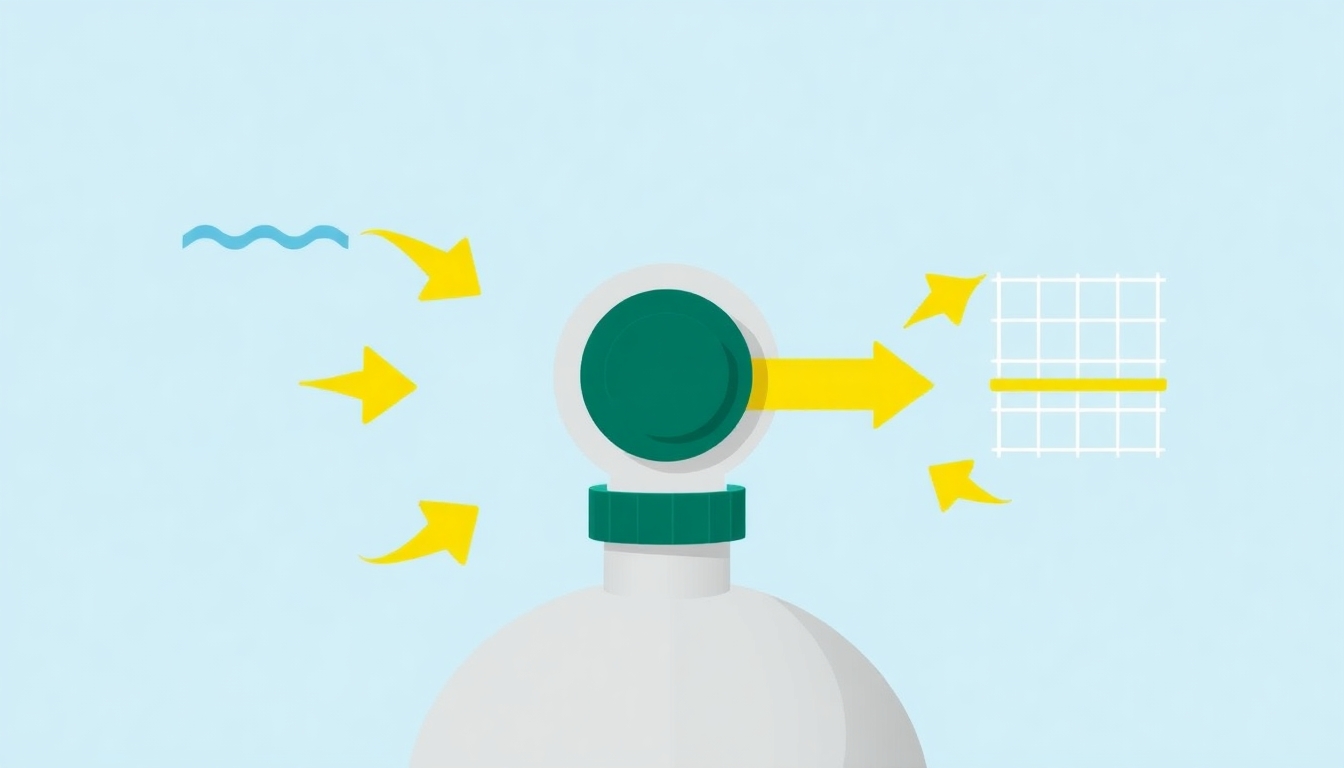
Getting backwashing and rinsing down keeps your filter working well and your water clear. After a while, the filter media, sand or D.E., gets clogged with debris and slows down. Backwashing reverses the water flow and flushes the built-up dirt out the waste port. Think of it as a spa day for your filter.
Timing matters. A good rule of thumb is to backwash when the pressure gauge reads about 10 psi above its normal level. That's your sign the filter has caught enough debris to need cleaning. Once you've backwashed, rinse before going back to normal operation, because it keeps dirty water from washing back into your pool.
The Rinse setting is your filter's reset button. It lets water flow through the filter, settles the media back into place, and clears out leftover dirt. It's like the last rinse after shampooing, making sure no suds are left behind. Every cycle stretches the life of your filter and gives you more worry-free time in the pool.
Master Multiport Valve Settings
Once you know the settings, the valve becomes a tool for every pool situation. Each position does one specific thing, which turns pool care from a big worry into an easy task.
Bringing a cloudy pool back
Say you've just gotten back from vacation and your pool looks more like a pond. Switching to "Filter" brings it back to life, sending water through the media to pull out debris and particles. If your filter starts complaining with rising pressure, it's time to "Backwash," which cleans the media by reversing the flow. Follow it with a "Rinse" so no leftover debris finds its way back into the pool.
Vacuuming, chemicals, and the off-season
When the bottom needs vacuuming but you don't want the debris back in the water, "Waste" sends dirty water straight out, skipping the filter. To circulate chemicals or flocculants without filtering, "Recirculate" keeps the water moving without sending it through the media. When you're blowing out lines at the end of the season, "Closed" seals the system, so use it sparingly. And getting ready for winter means "Winter," which gently lifts the valve's internal parts to keep them from freezing and cracking.
Backwash for Optimal Performance
If you want your filter working its best, backwashing is a must. Over time, debris and impurities build up in the filter media and drag down performance. Backwashing reverses the water flow, flushing out those particles and giving the filter a fresh start.
Turn off the pool pump first, then set the multiport valve to 'Backwash.' Once you restart the pump, watch for a steady stream of cloudy water leaving through the waste line, which shows the dirt is being pushed out. This usually takes a few minutes; keep an eye on the sight glass or waste line, and stop once the water runs clear.
After backwashing, switch to 'Rinse.' It settles the filter media and keeps leftover debris from washing back into your clean pool. A minute or so should do it. When you're done, switch back to 'Filter,' and your system is ready. Regular backwashing holds your pressure at the right level and stretches the life of your filter.
Rinse to Prevent Contamination
Say you've just backwashed your filter and you're feeling good as the dirt washes away. Hold on, though. Before you let the water flow back into the pool, there's one more step: rinsing. It keeps leftover grime from sneaking back in so all that work doesn't go to waste.
After a backwash, the filter media is loosened, and traces of dirt can still cling to it. Skip the rinse and those bits can drift back into the pool and undo everything you just did. Switching to "Rinse" runs clean water through the filter, catches the loose particles, and flushes them safely out.
Think of it as the final polish, like rinsing shampoo out of your hair. The rinse usually runs about 30 seconds to a minute, but it's worth every second. I learned that the hard way after a few murky mishaps. Add the rinse to your routine and pool care goes from a chore to a solid habit.
Vacuum Without Clogs
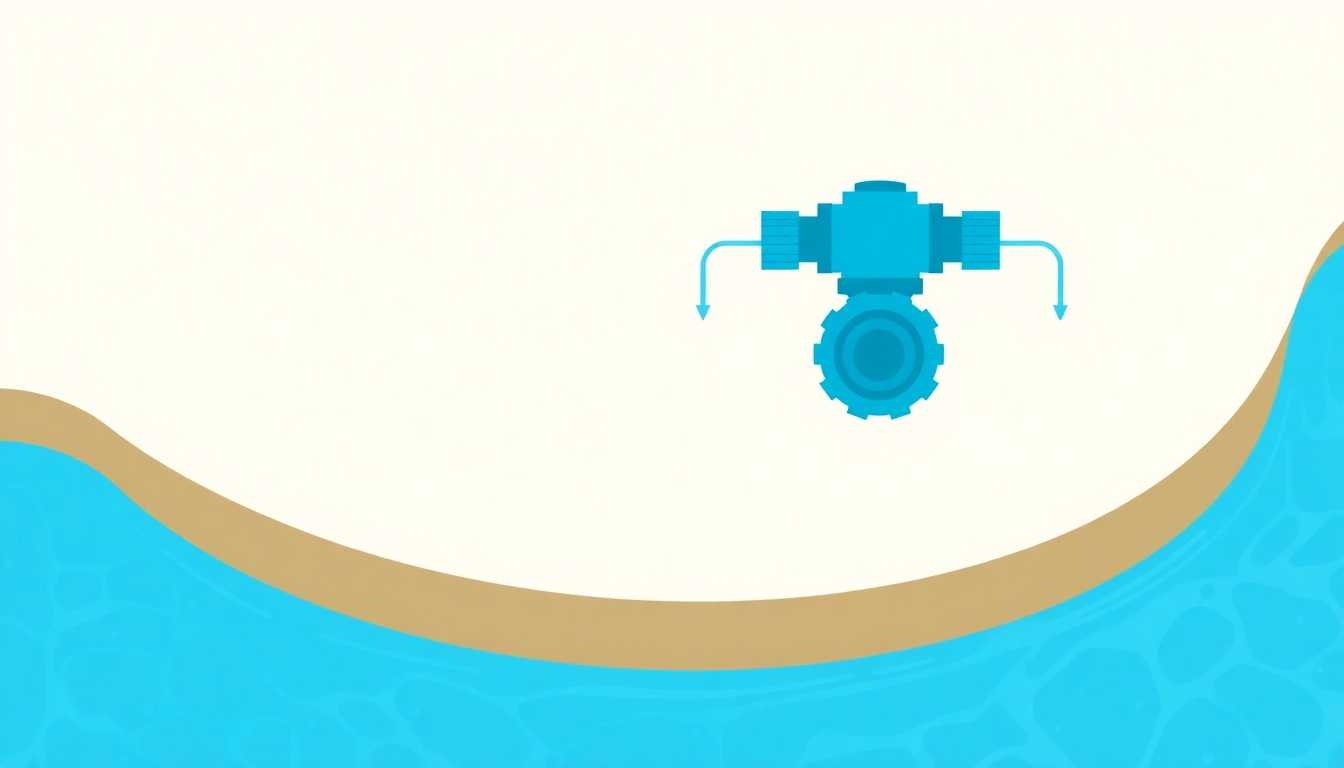
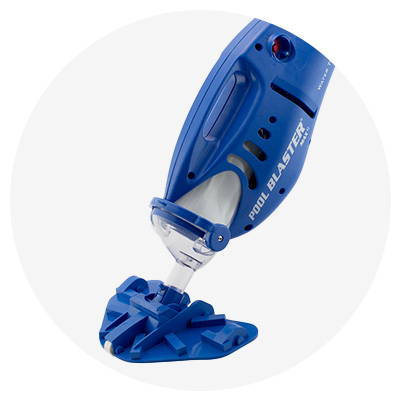
Keeping your pool clean often feels like a fight against clogging, especially when you're vacuuming. The multiport valve is your best ally here, and the "Waste" setting is the trick. It lets pool water and all the debris you're vacuuming up skip the filter media and go straight out of the system. That keeps leaves, dirt, and other junk out of your filter, where it could cause clogs and drop your filtration efficiency.
The first time I vacuumed my pool without knowing this, I found the filter almost bursting with gunk. Lesson learned. Now, before I start, I hook up a hose to top off the water level, since it drops during the process. That simple prep clears the debris out efficiently while the pool stays full and swim-ready.
Just be smart about where the expelled water goes. Direct it away from sensitive garden plants and off your neighbor's yard so you don't drown anything or start a soggy dispute.
Utilize Multiport Valve Settings
Getting good at your pool's multiport valve turns pool care into something you do with real skill. This valve lets you steer the water and adjust to whatever you need, whether you're cleaning, closing, or maintaining.
Start with backwashing. When your filter pressure rises and it's time for a deep clean, the backwash setting reverses the water flow and pushes trapped dirt out a waste port. It's a powerful way to keep your filtration running well for years. After backwashing, don't skip the rinse setting, which settles the filter media back in place and keeps stray debris from drifting into the pool.
What about vacuuming? The waste setting is what you want. It skips the filter so bigger debris doesn't clog things up, sending it straight out of the pool instead. Just watch your water level and top it off so you don't drain too much. Every setting has a clear purpose, and with practice you'll use them all with ease.
Prevent Filter Clogs Efficiently
Keeping a filter from clogging is really about staying ahead of it with steady care. In the heart of summer, the pool pulls in leaves, pollen, and the odd surprise piece of debris. Any of it can block your filter and hurt your water clarity. A clear filter means cleaner water and less strain on your pump, which helps it last longer.
Check your baskets weekly
Every week, look at the skimmer and pump baskets. They're the first line of defense before water reaches the filter. Clearing out the obvious debris keeps water flowing freely and takes pressure off your filter. Once, I found a small twig stuck in my skimmer that had been slowly choking the flow, an easy fix once I spotted it.
Backwash and add filter aids
Backwashing is the go-to fix if your system uses sand or D.E. It clears out built-up debris and pushes it out the waste port. When the pressure gauge reads 10 psi over the normal range, it's time, and don't forget the rinse afterward. You can also try filter aids, which create a finer mesh that catches smaller particles. A friend of mine swore by adding a little D.E. powder to his sand filter, and it made a real difference in clarity.
Implement Proper Backwashing Techniques
Backwashing might sound complicated, but it's simple and key to keeping your filter working well. My first try had me a little nervous, but I picked it up fast. Start by making sure your pool pump is off. This matters, because messing with the valve while the pump runs can damage the parts inside.
Next, turn the valve to 'Backwash.' It's smart to follow the maker's directions for your specific filter, since backwash time can vary, but usually it takes about two to three minutes. You'll know it's working when clear water starts flowing from the waste line.
Once the backwash is done, switch to 'Rinse.' People often skip this, but it flushes out leftover debris so it can't wash back into your pool. Let the rinse run for about a minute, then set the valve back to 'Filter.' That finishes the cycle and leaves your filter media clean and ready.
Circulate for Flocculant Use
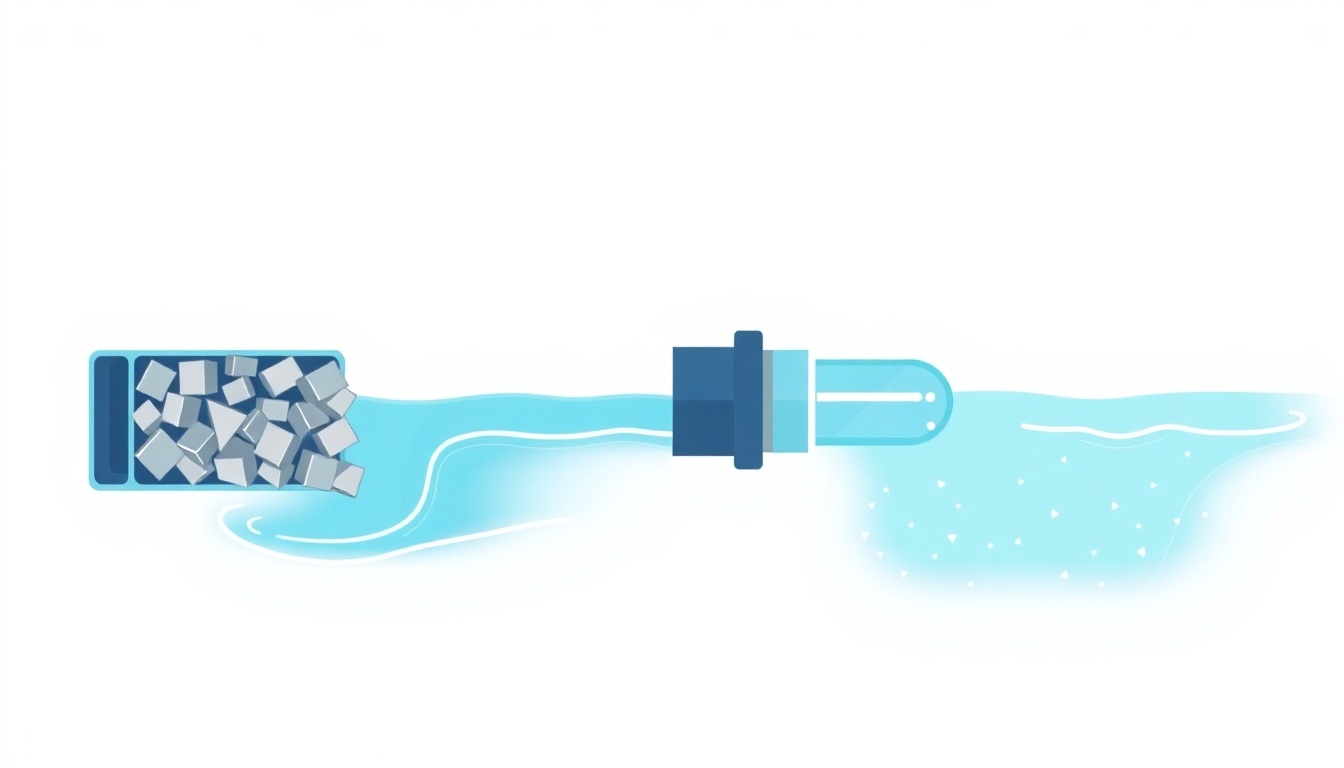
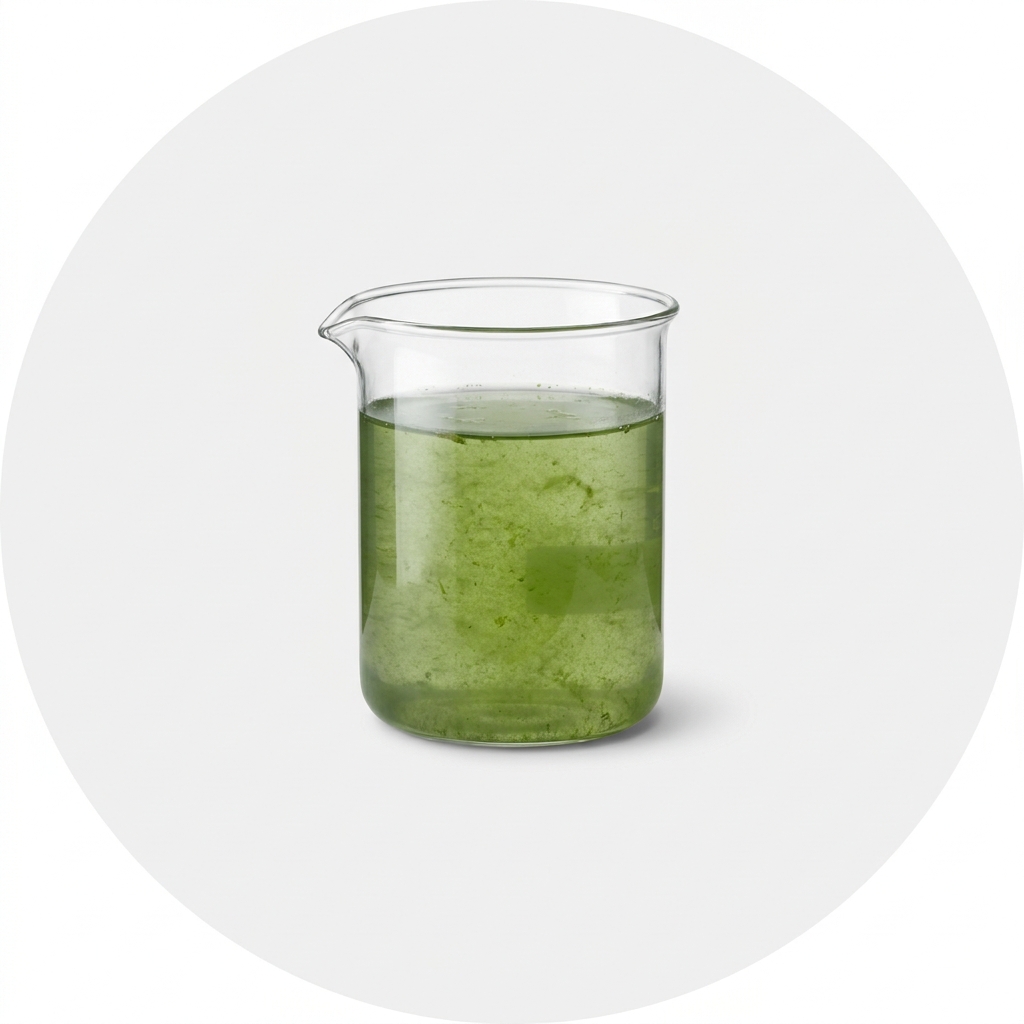
Using flocculant sounds like magic, but it's a simple way to take your pool from murky to clear. When your water looks like a foggy morning, flocculant gathers up the tiny particles clouding it and bundles them into bigger clumps you can vacuum away.
To pull off this trick, reach for the "Recirculate" setting. The water flows through the system without going through the filter media. That keeps the flocculant in the water long enough to do its job instead of getting pulled out early.
If you'd rather not wait for the flocculant to settle, "Waste" is another option. It skips the filter entirely and flushes the clumps out of the system. This does lower your water level, but that's a small price for clear water. Once the flocculant has done its work, vacuum the pool well to clear out all those gathered particles.
Optimize Multiport Valve Settings
Getting to know your multiport valve settings opens up a lot of possibilities. This tool turns your filter from a simple cleaner into a device that handles all sorts of pool jobs. The first step is knowing when each setting is the right one.
Keeping your water clean is easy with Filter, perfect for everyday use. But when the pressure gauge climbs ten pounds above normal, it's backwash time. That setting sends water backward through the system, cleaning debris out of the filter media. Surprised by murky water after a backwash? Use Rinse to stop leftover dirt from washing back into your pool.
When you're vacuuming, Waste lets water skip the filter media and sends debris straight out of the system, so your filter stays clog-free. Sometimes you need to move water without filtering it, and that's Recirculate. It's great when you're using flocculants, since it keeps particles suspended instead of filtering them out too soon.
Last, Closed and Winterize matter for seasonal changes, protecting your equipment while the pool sits idle. Keep the pump off when you use these so you don't damage anything by accident. Learning these settings makes upkeep simpler and helps your equipment last longer.
Conclusion
Now that you know your way around the valve, you're ready to take charge of your pool. Each setting has a clear job, and once they click, the whole routine gets easier.
Want to become a pool maintenance expert? Our free Pool School course covers everything you need to know about pool care. From basic maintenance to advanced troubleshooting, you'll learn how to:
- Save thousands on pool repairs and chemicals
- Keep your water crystal clear year-round
- Prevent and solve common pool problems
- Master water chemistry with confidence
Join over 10,000 pool owners who have already transformed their pool care routine. Get started with our free Pool School course today!
What you need
Keep a working pressure gauge, a backwash hose, and a bag of your filter media (sand or D.E.) on hand, plus flocculant for cloudy days. Grab what's missing and put your valve to work.